Inbox
Searchable list of conversations with swipe to archive or delete, unread badges and two empty states.
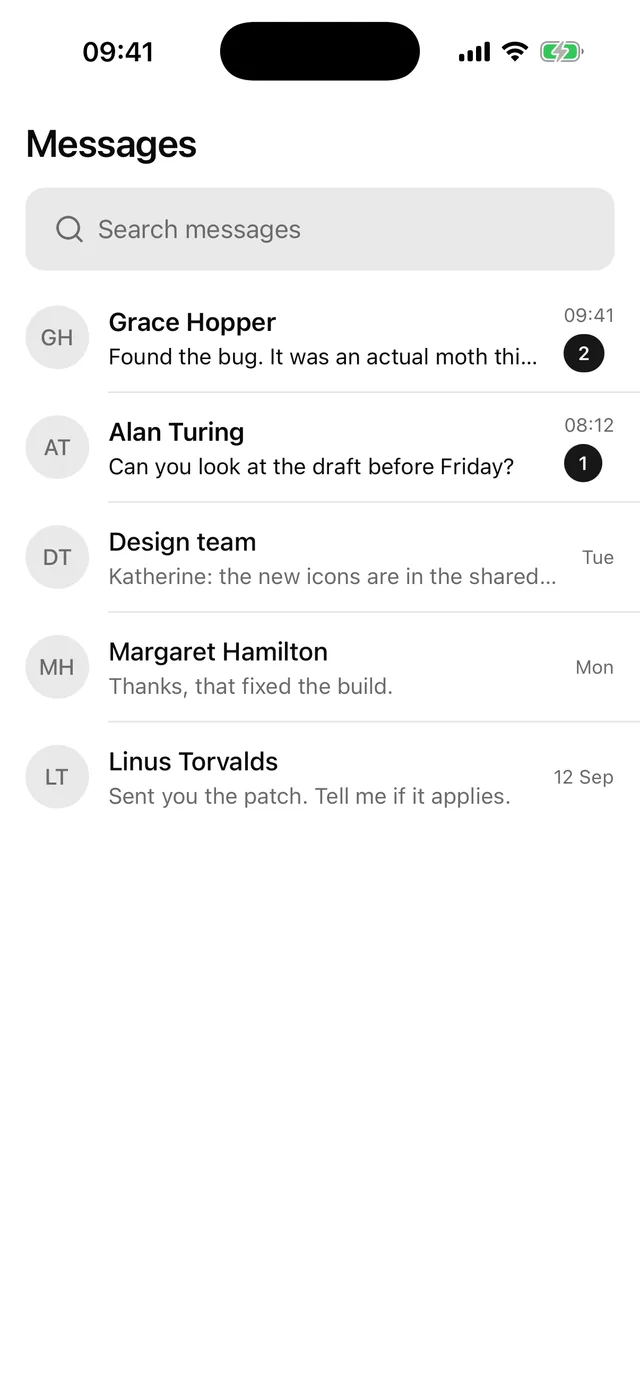
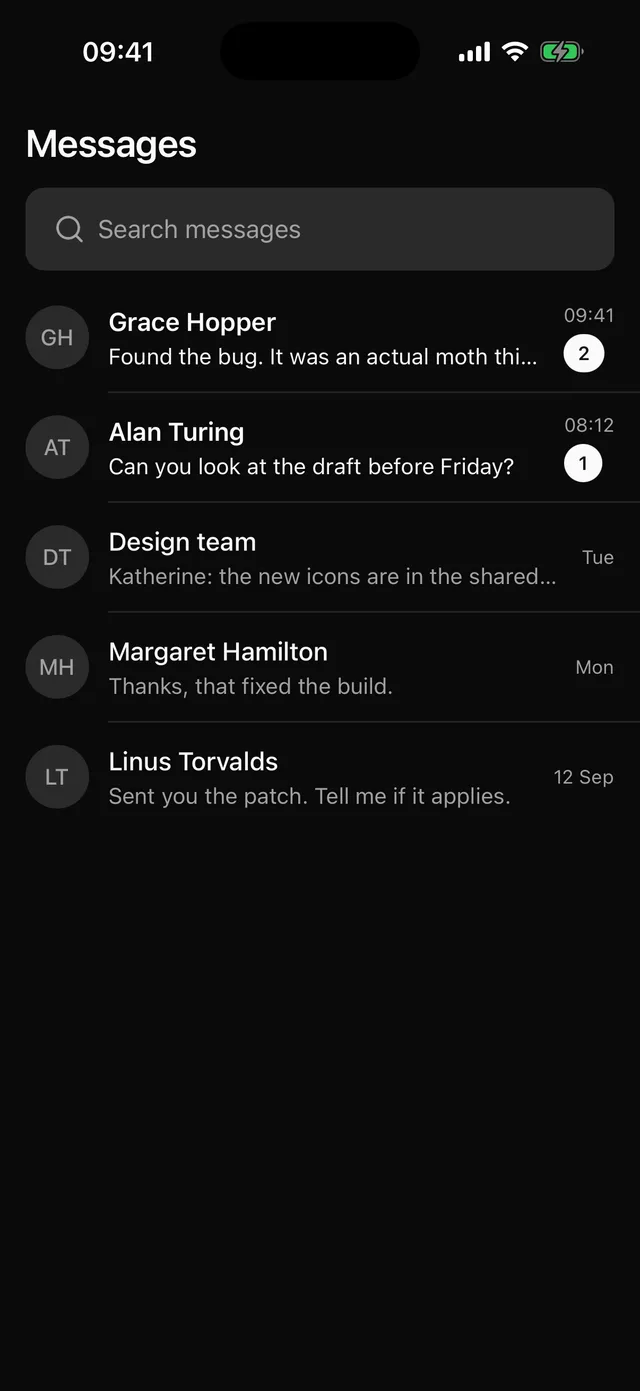
npx @eoria/cli add inboxThe command also adds SearchBar, Swipeable, Item, Avatar, Badge, Empty, Button, Separator and Text.
Usage
import { Inbox, type Conversation } from '@/components/blocks/inbox'
const [conversations, setConversations] = useState<Conversation[]>([  {    id: '1',    name: 'Grace Hopper',    preview: 'Found the bug. It was an actual moth this time.',    time: '09:41',    unread: 2,    avatarUri: 'https://i.pravatar.cc/200?img=32',  },  { id: '2', name: 'Alan Turing', preview: 'Can you look at the draft before Friday?', time: '08:12' },])
const remove = (conversation: Conversation) =>  setConversations((list) => list.filter((c) => c.id !== conversation.id))
<Inbox  title="Messages"  conversations={conversations}  onPressConversation={openConversation}  onArchive={remove}  onDelete={remove}  onCompose={compose}/>
Props
| Prop | Type | Default |
|---|---|---|
conversations |
Conversation[] |
|
onPressConversation |
(conversation: Conversation) => void |
|
onArchive |
(conversation: Conversation) => void |
|
onDelete |
(conversation: Conversation) => void |
|
onCompose |
() => void |
|
title |
string | |
insetTop |
boolean | true |
style |
StyleProp<ViewStyle> |
Data
type Conversation = { id: string name: string preview: string // last message, shown on one line time: string // already formatted, e.g. "09:41" or "Tue" unread?: number // 0 or undefined is read avatarUri?: string initials?: string // default comes from `name`}Notes
- The block keeps the search text and nothing else. Archive and Delete only call you back, and the row stays until you take the conversation out of
conversations. - Search matches the name and the preview, ignoring case, on every keystroke. For a server search, lift
queryinto a prop and drop theuseMemofilter. - Delete has no confirm step. If a delete cannot be undone in your app, open an AlertDialog from
onDelete. - An unread row has a semibold name, a preview in the foreground colour and a solid Badge with the count, which stops at “99+”. The row label reads the count too, such as “Grace Hopper, 2 unread messages, Found the bug. It was an actual moth this time., 09:41”.
- Swipeable offers Archive and Delete to screen readers as actions on the row, so nobody needs the swipe gesture. It needs a
GestureHandlerRootViewat the root of the app. - There are two Empty states. With no conversations the block shows “No messages yet”, with a “New message” button when you pass
onCompose, and it disables the search bar. With a search that matches nothing it shows the query and a “Clear search” button. - The root fills the screen and the rows are a
FlatList. Under a navigation header passinsetTop={false}and leavetitleout.