Verify OTP
Six digit code screen that submits on the last digit and has a resend action behind a countdown.
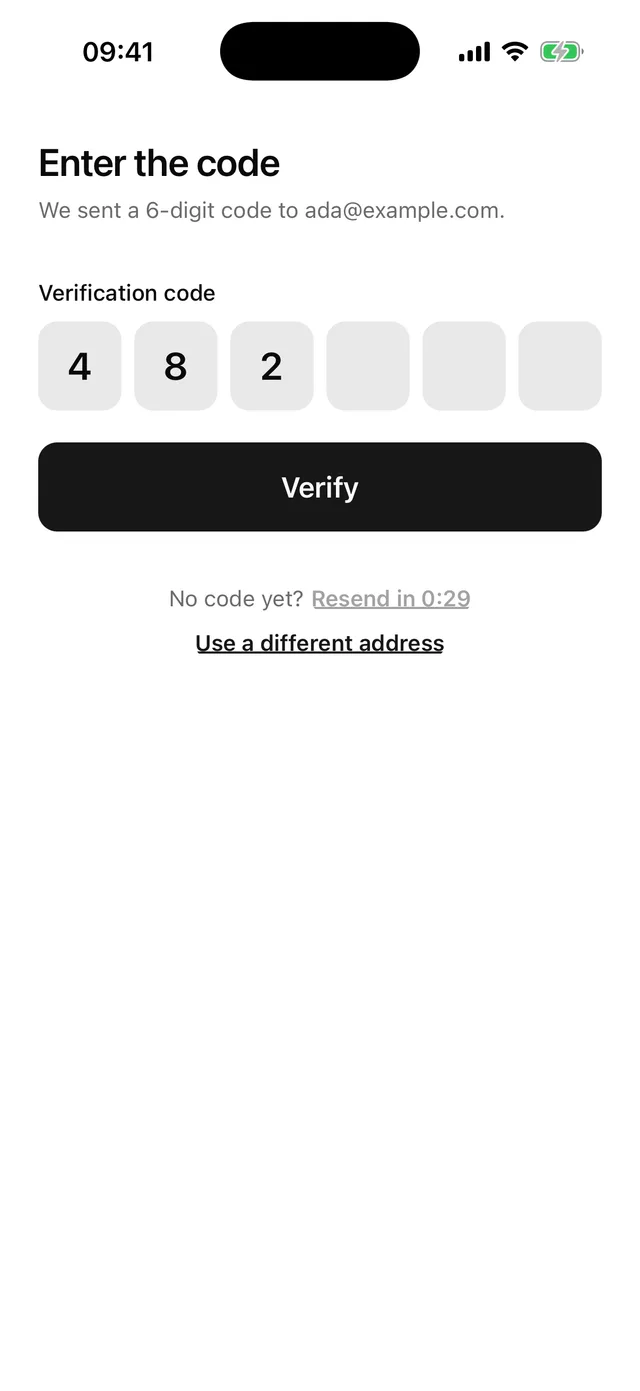
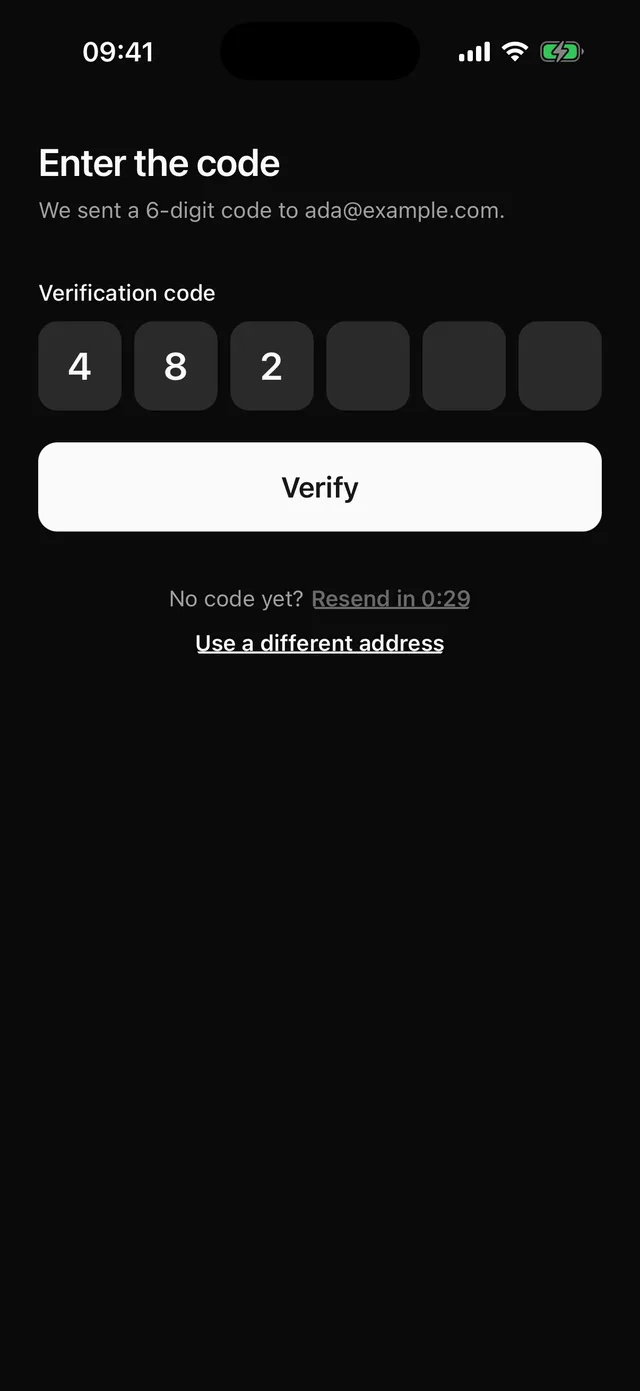
npx @eoria/cli add verify-otpThe CLI also adds alert, button, field, input-otp, keyboard, stack and text. The file lands at components/blocks/verify-otp.tsx and is yours to edit.
The screen scrolls inside KeyboardScrollView, so the app needs KeyboardProvider at its root. The Keyboard page has the setup.
Usage
import { router, useLocalSearchParams } from 'expo-router'import { VerifyOtp } from '@/components/blocks/verify-otp'import { sendCode, verifyCode } from '@/lib/auth'
export default function VerifyOtpRoute() {  const { email } = useLocalSearchParams<{ email: string }>()  return (    <VerifyOtp      destination={email}      onSubmit={async (code) => {        await verifyCode(email, code)        router.replace('/')      }}      onResend={() => sendCode(email)}      onBack={() => router.back()}    />  )}
Props
| Prop | Type | Default | Notes |
|---|---|---|---|
destination |
string |
Email or phone number shown in the line under the heading. | |
onSubmit |
(code: string) => void | Promise<void> |
Runs when the sixth digit lands and when “Verify” is pressed. | |
onResend |
() => void | Promise<void> |
Renders the resend action. A resolved call restarts the countdown. | |
resendAfter |
number |
30 |
Seconds before the resend action unlocks. |
onBack |
() => void |
Renders the “Use a different address” link. | |
defaultCode |
string |
'' |
Digits already in the cells on mount. |
autoFocus |
boolean |
true |
Opens the number pad on mount. |
insetTop |
boolean |
true |
Pads the top by the safe area. Pass insetTop={false} when the screen sits under a navigation header. |
style |
StyleProp<ViewStyle> |
Merged into the root, after the block’s own styles. |
Notes
- The root fills the screen, paints
theme.colors.backgroundand pads the top and bottom by the safe area. Under a navigation header passinsetTop={false}, because the header already covers the top inset. InputOTPfiresonCompleteon the last digit and the block submits right away. Paste and SMS autofill go through the same path. The “Verify” button is there for a retry and for people who expect one. Pressed with fewer than six digits, it shows “Enter the 6-digit code.”- A rejected
onSubmitshowserror.messagein a destructive Alert, announces it and empties the cells. The user starts the next try from a clean row. - The resend link reads “Resend in 0:24” while it is locked. The countdown compares the clock with a deadline once a second, so time spent in the background counts. The interval is cleared when it reaches zero and on unmount.
- A rejected
onResendshows its message in the same Alert and leaves the link unlocked. A successful one restarts the countdown and announces “We sent a new code.” Show your own toast from the route if you want a visible confirmation. - The code length is the
CODE_LENGTHconstant at the top of the file. The copy reads it, so changing it to 4 updates the text too. - There is one field, so a form library adds nothing here.
- Change “Use a different address” first if you send codes by SMS.