Reset password
New password and confirmation fields that must match, for the screen a reset link opens.
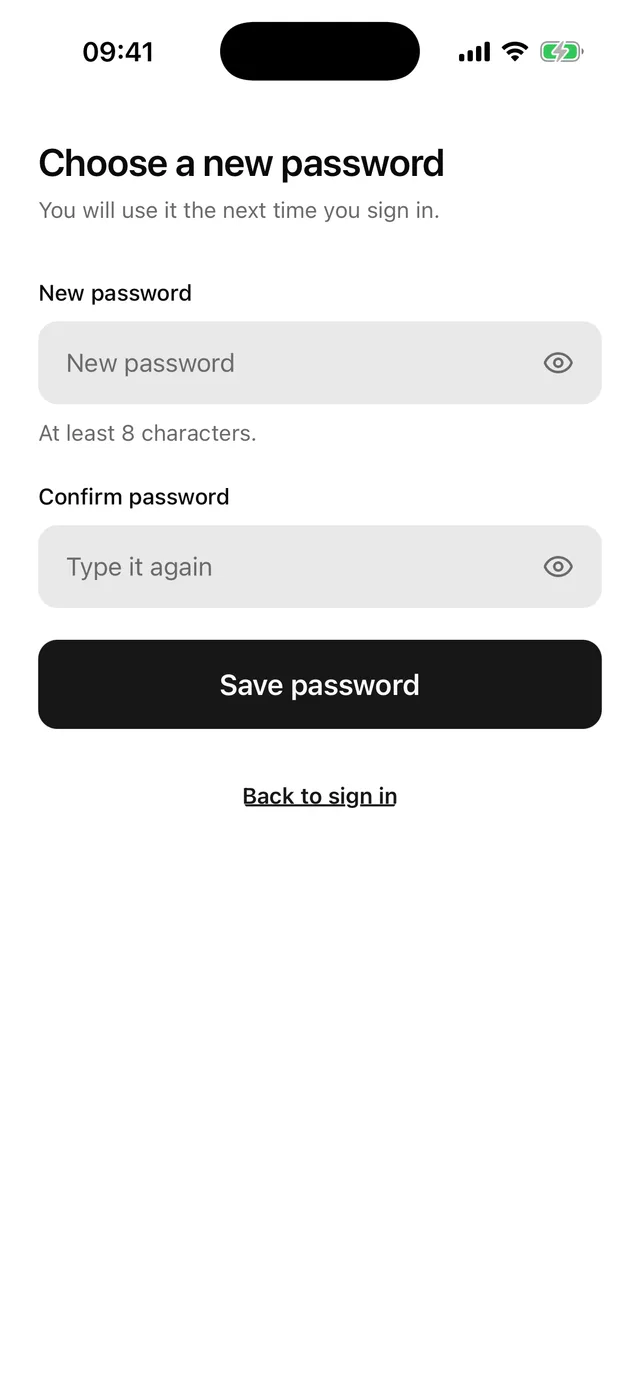
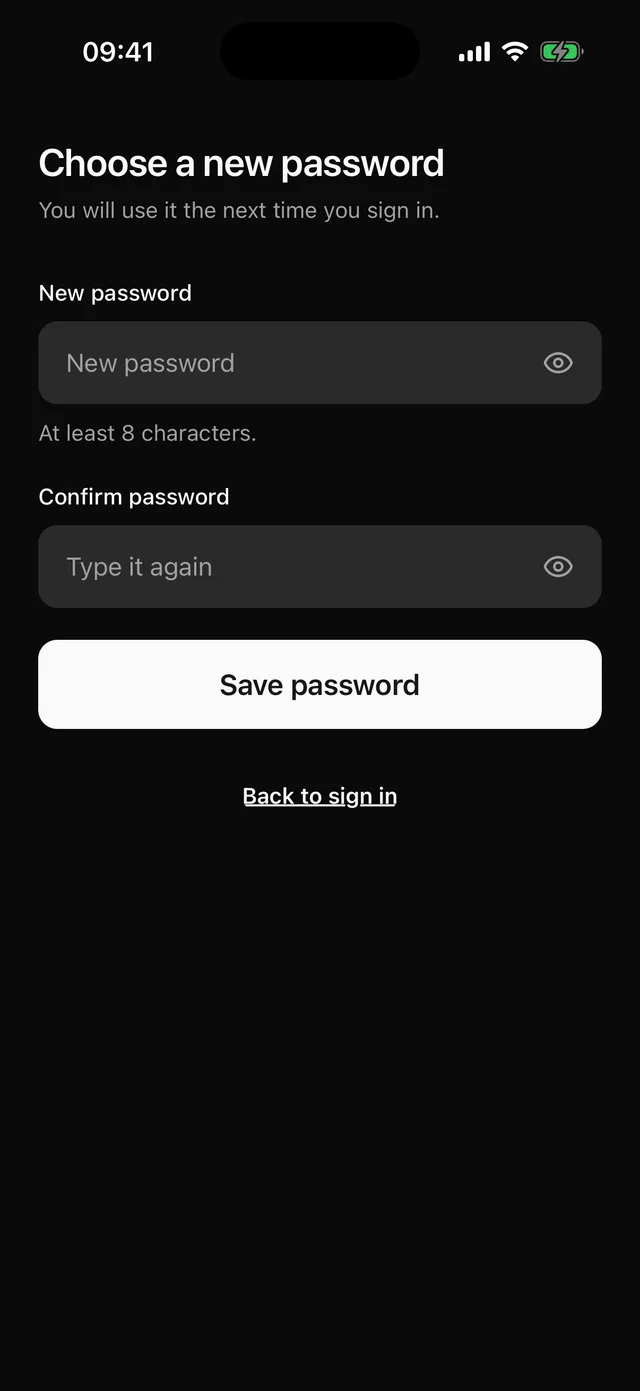
npx @eoria/cli add reset-passwordThe CLI also adds alert, button, field, keyboard, password-input, stack and text. The file lands at components/blocks/reset-password.tsx and is yours to edit.
The form scrolls inside KeyboardScrollView, so the app needs KeyboardProvider at its root. The Keyboard page has the setup.
Usage
// app/reset-password.tsx, opened by a link such as myapp://reset-password?token=abcimport { router, useLocalSearchParams } from 'expo-router'import { ResetPassword } from '@/components/blocks/reset-password'import { toast } from '@/components/ui/toast'import { resetPassword } from '@/lib/auth'
export default function ResetPasswordRoute() {  const { token } = useLocalSearchParams<{ token: string }>()  return (    <ResetPassword      onSubmit={async (password) => {        await resetPassword(token, password)        toast({ title: 'Password changed' })        router.replace('/sign-in')      }}      onBack={() => router.replace('/sign-in')}    />  )}
The snippet uses toast, which is a separate item. Add it with npx @eoria/cli add toast or drop those two lines.
Props
| Prop | Type | Notes |
|---|---|---|
onSubmit |
(password: string) => void | Promise<void> |
Gets the new password once both fields pass. |
onBack |
() => void |
Renders the “Back to sign in” link. |
insetTop |
boolean |
Pads the top by the safe area. Pass insetTop={false} when the screen sits under a navigation header. Defaults to true. |
style |
StyleProp<ViewStyle> |
Merged into the root, after the block’s own styles. |
Notes
- The root fills the screen, paints
theme.colors.backgroundand pads the top and bottom by the safe area. Under a navigation header passinsetTop={false}, because the header already covers the top inset. - The password needs 8 characters and the confirmation must equal it. Errors stay hidden until the first submit, then update as the user types.
- Both fields set
autoComplete="new-password"andtextContentType="newPassword". Each has its own reveal toggle. The second toggle reads “Show confirmation” so a screen reader user can tell the two apart. - The block has no success screen. Your
onSubmitdecides what comes next, and the usual choice is a toast and arouter.replaceto sign-in. An expired token should reject with a message such as “This link has expired. Ask for a new one.” The block shows it in a destructive Alert above the form. - When
onSubmitreturns a promise, the block setsloadingon the button until the promise settles. The button shows a spinner, ignores presses and keeps its colours. The block skips state updates after it unmounts, so replacing the route insideonSubmitis safe. - The return key on the first field moves focus to the confirmation. The return key on the confirmation submits.
- To use a form library, replace the two
useStatecalls and theErrorconstants with the library’s values and errors. KeepField,FieldControlandFieldError. - Change
MIN_PASSWORDfirst if your backend has a different rule. The helper text and the error both read it.