Onboarding
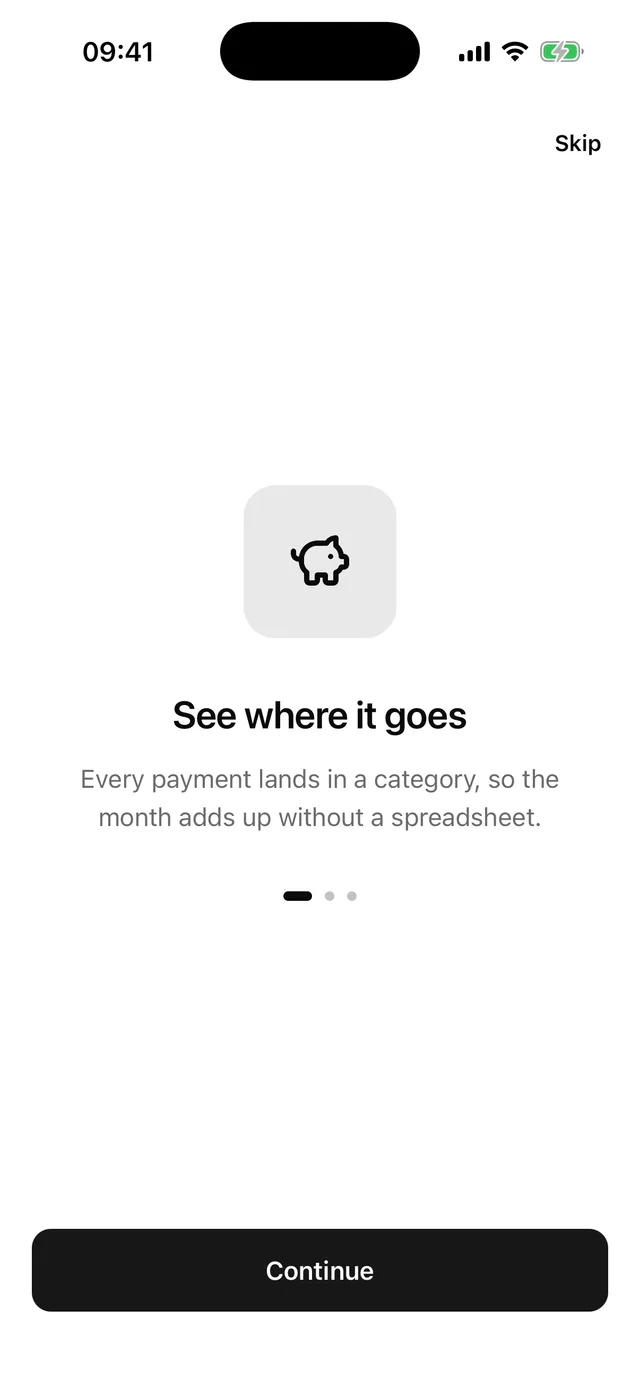
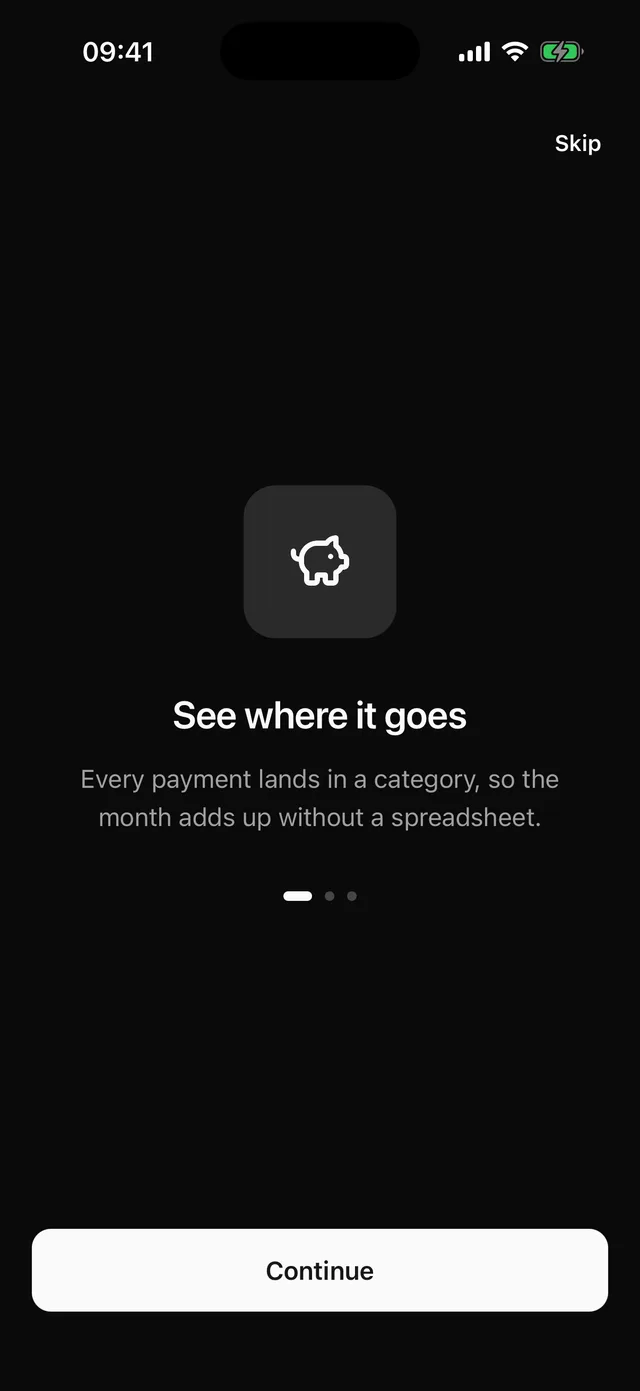
Full screen carousel of slides with page dots, a Continue button that ends in Get started, and Skip.
npx @eoria/cli add onboardingThe command also adds Carousel, Button and Text.
Usage
import { Bell, PiggyBank, ShieldCheck } from 'lucide-react-native'import { Onboarding, type OnboardingSlide } from '@/components/blocks/onboarding'
const slides: OnboardingSlide[] = [  {    id: 'track',    icon: <PiggyBank />,    title: 'See where it goes',    body: 'Every payment lands in a category, so the month adds up without a spreadsheet.',  },  {    id: 'alerts',    icon: <Bell />,    title: 'Hear about it first',    body: 'A notification arrives the moment your card is used, at home or abroad.',  },  {    id: 'safe',    icon: <ShieldCheck />,    title: 'Freeze it in one tap',    body: 'Lost your card? Freeze it from the app and unfreeze it when it turns up.',  },]
<Onboarding slides={slides} onDone={finish} />
Props
| Prop | Type | Default |
|---|---|---|
slides |
OnboardingSlide[] |
|
onDone |
() => void |
|
onSkip |
() => void |
onDone |
style |
StyleProp<ViewStyle> |
Data
type OnboardingSlide = { id: string icon: ReactElement // any element accepting `size` and `color` title: string body: string}Notes
- The block controls the Carousel through
indexandonIndexChange. A swipe, a tap on a dot and Continue all end in the same state, so the button label always matches the page. - Continue moves one slide. On the last slide it reads “Get started” and calls
onDone. Skip is there on every slide but the last and callsonSkip, oronDonewhen you leaveonSkipout. - The block does not remember that the user finished. Write that flag to storage in
onDoneand check it before you show the screen. - The root fills the screen, paints
backgroundand pads the top and bottom by the safe area. Show it without a navigation header. - The icon sits in a 96pt well and is hidden from screen readers. The slide title has the
headerrole, and the dots are one adjustable element that reads “2 of 3”. - Carousel does not handle right-to-left layouts yet, and this block inherits that.
- Change first: swap the icon well for an illustration. Replace the
wellView with anImageand drop thecloneElementcall.