Forgot password
Email form that asks for a reset link, then a "Check your inbox" confirmation with a way back.
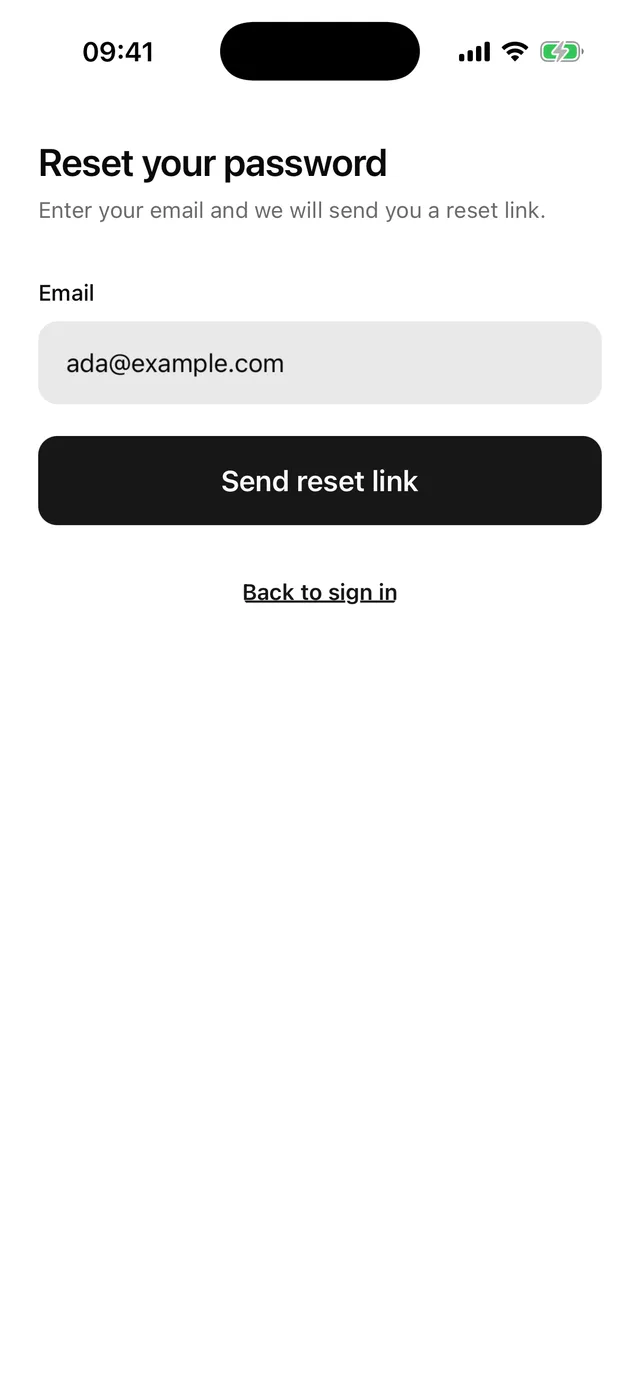
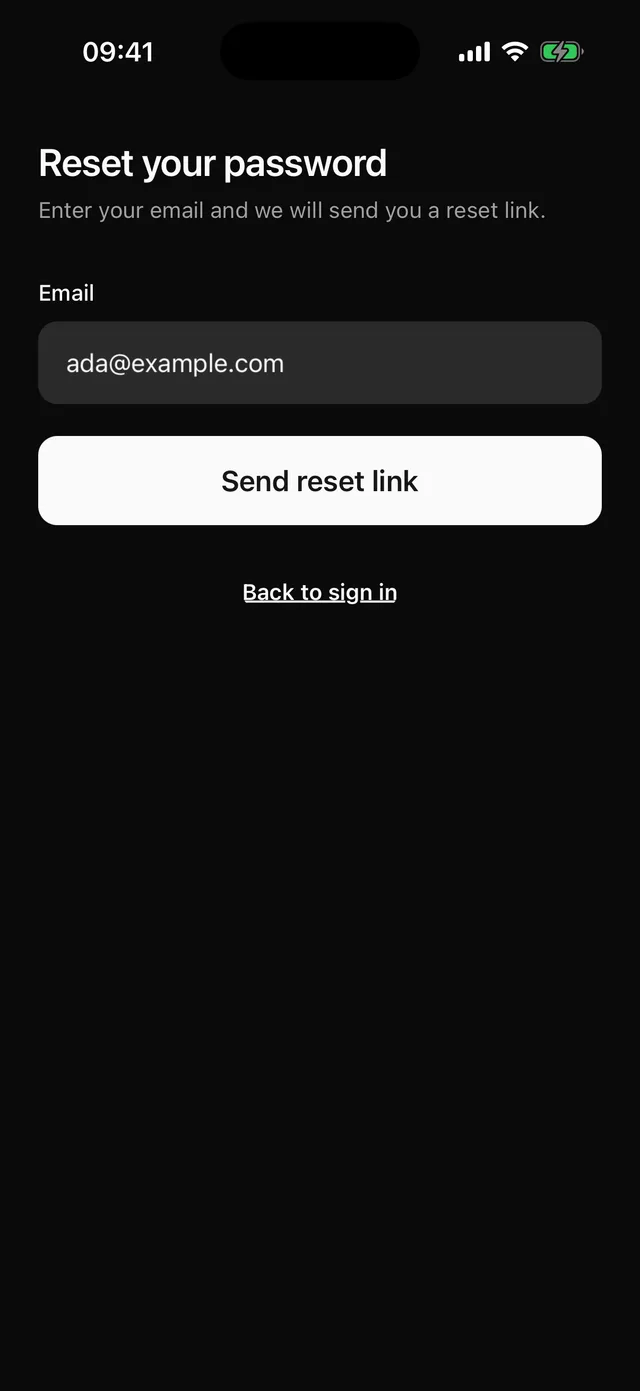
npx @eoria/cli add forgot-passwordThe CLI also adds alert, button, empty, field, input, keyboard, stack and text. The file lands at components/blocks/forgot-password.tsx and is yours to edit.
The form scrolls inside KeyboardScrollView, so the app needs KeyboardProvider at its root. The Keyboard page has the setup.
Usage
import { router } from 'expo-router'import { ForgotPassword } from '@/components/blocks/forgot-password'import { sendResetLink } from '@/lib/auth'
export default function ForgotPasswordRoute() {  return <ForgotPassword onSubmit={sendResetLink} onBack={() => router.back()} />}
Props
| Prop | Type | Notes |
|---|---|---|
onSubmit |
(email: string) => void | Promise<void> |
Gets the trimmed email. The confirmation shows once it returns or resolves. |
onBack |
() => void |
Renders “Back to sign in” on the form and on the confirmation. |
defaultEmail |
string |
Starting value, for example the email typed on the sign-in screen. |
insetTop |
boolean |
Pads the top by the safe area. Pass insetTop={false} when the screen sits under a navigation header. Defaults to true. |
style |
StyleProp<ViewStyle> |
Merged into the root, after the block’s own styles. |
Notes
- The root fills the screen, paints
theme.colors.backgroundand pads the top and bottom by the safe area. Under a navigation header passinsetTop={false}, because the header already covers the top inset. - The email must match
^[^\s@]+@[^\s@]+\.[^\s@]+$. The error stays hidden until the first submit. - After a successful
onSubmitthe form gives way to anEmptywith a mail icon, “Check your inbox” and a line that names the address. The line reads “If [email protected] has an account, a link to reset the password is on its way.” It says the same thing for every address, so the screen does not tell a stranger which emails have accounts. Make your API do the same and resolve either way. - “Use a different email” on the confirmation brings the form back with the address still filled in.
- When
onSubmitreturns a promise, the block setsloadingon the button until the promise settles. The button shows a spinner, ignores presses and keeps its colours. A rejection putserror.messagein a destructive Alert above the form. Keep rejections for real failures such as no network. The block skips state updates after it unmounts. - There is one field, so a form library adds nothing here.
- Change the confirmation line first if you send a code instead of a link. In that case you may want to route to Verify OTP from
onSubmitand never show the confirmation.